
MDC environment
What is inside the MDC environment
The MDC environment is the workspace of MDC Systems at app.mdcsystems.nl. You work in it during the GPSR Readiness Check, the Fix Sprint and Operations Care: it shows the state of your catalogue, the open items and the reports. Below, for each part, is what the environment does and what you see of it.
The screenshots on this page come from the MDC Systems demo environment, with fictitious data.
Security & access
Only your own data is visible
Each customer's data is kept strictly separate. You see only the products, documents and open items of your own web shop.
Sign in without a password
You sign in with a link you receive by email. There is no password to remember or manage.
Five role levels
Every user has one of five roles: owner, operator, viewer, customer admin or customer. The role determines what someone may see and change.
Unalterable log
Every change is recorded in a log. A line in the log cannot be altered or deleted afterwards.
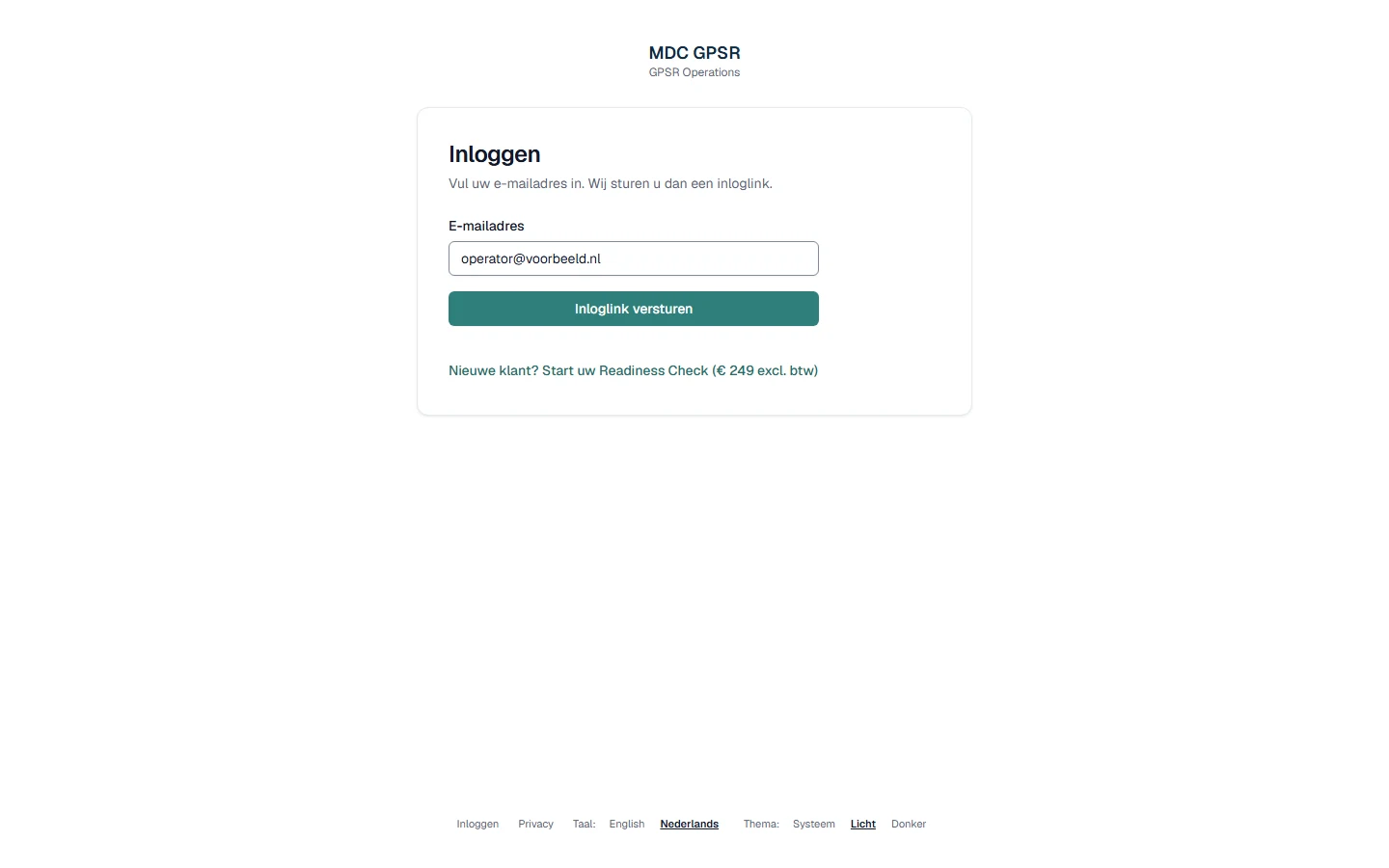
Sign in with a link by e-mail — there is no password to manage.
Check & remediation
Check against eight GPSR check points
Your product pages are checked against eight GPSR check points, based on the GPSR information requirements (Article 19 GPSR). The same input gives the same result, no AI guesswork.
Open-items overview with status
Missing or contradictory data points are listed as open items in one overview, with their status and next step. An open item is closed only by a person, never automatically.
Remediation export as CSV per platform
The corrected product data is ready as a CSV file for import into Shopify, WooCommerce or bol.com. You do the import yourself, unless agreed otherwise.
Ready-made product page blocks
Blocks with the mandatory data are ready for your product pages. You place the blocks in your web shop yourself, unless agreed otherwise. Data that is still missing is not filled in but remains an open item.
Supplier letters for eight standard situations
If data is missing from a supplier, a letter is ready for eight standard situations. MDC Systems sends one request and one reminder; after that the item stays open, with a concrete next step.
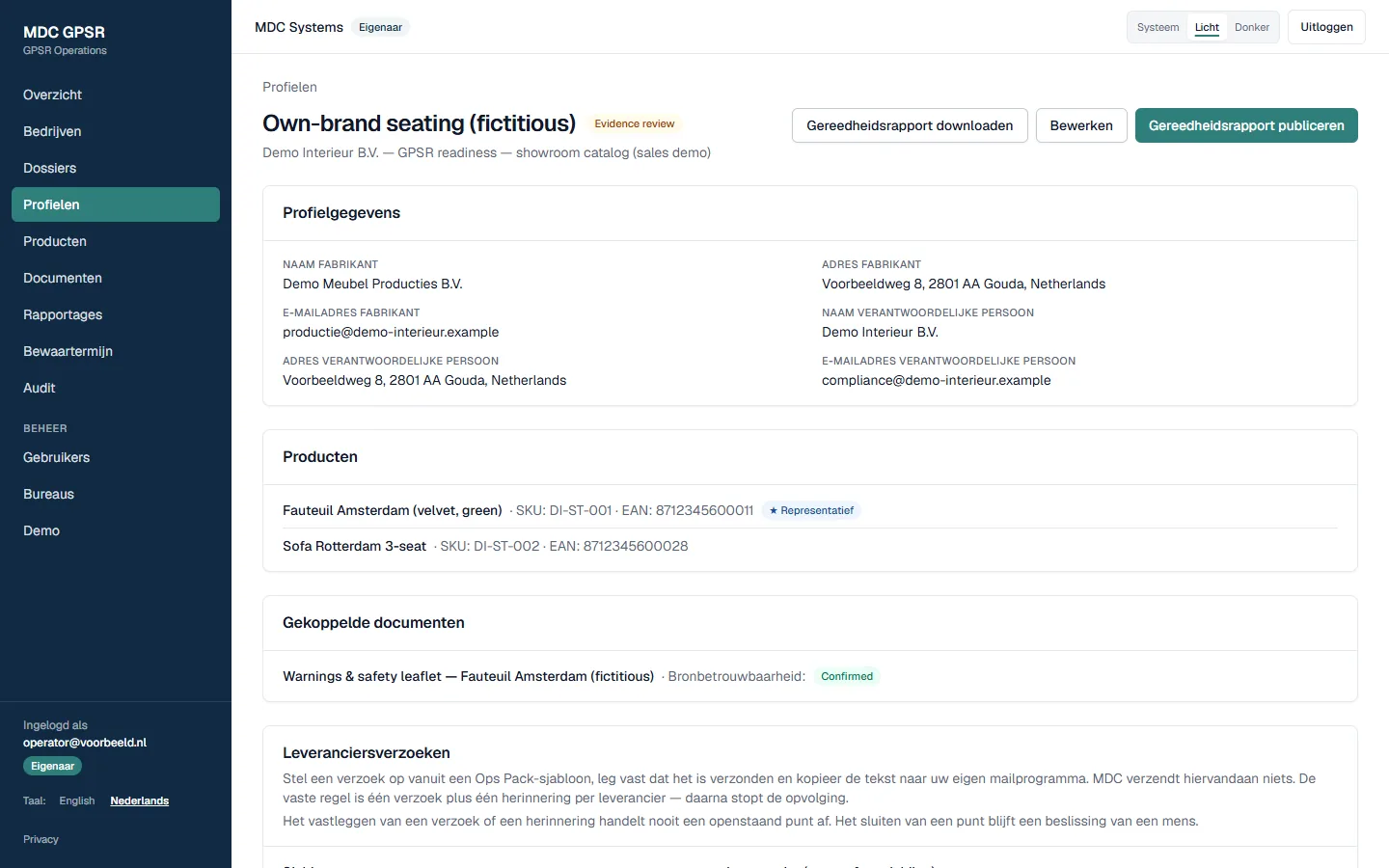
Data per product family in one place: manufacturer, responsible person, products, documents. 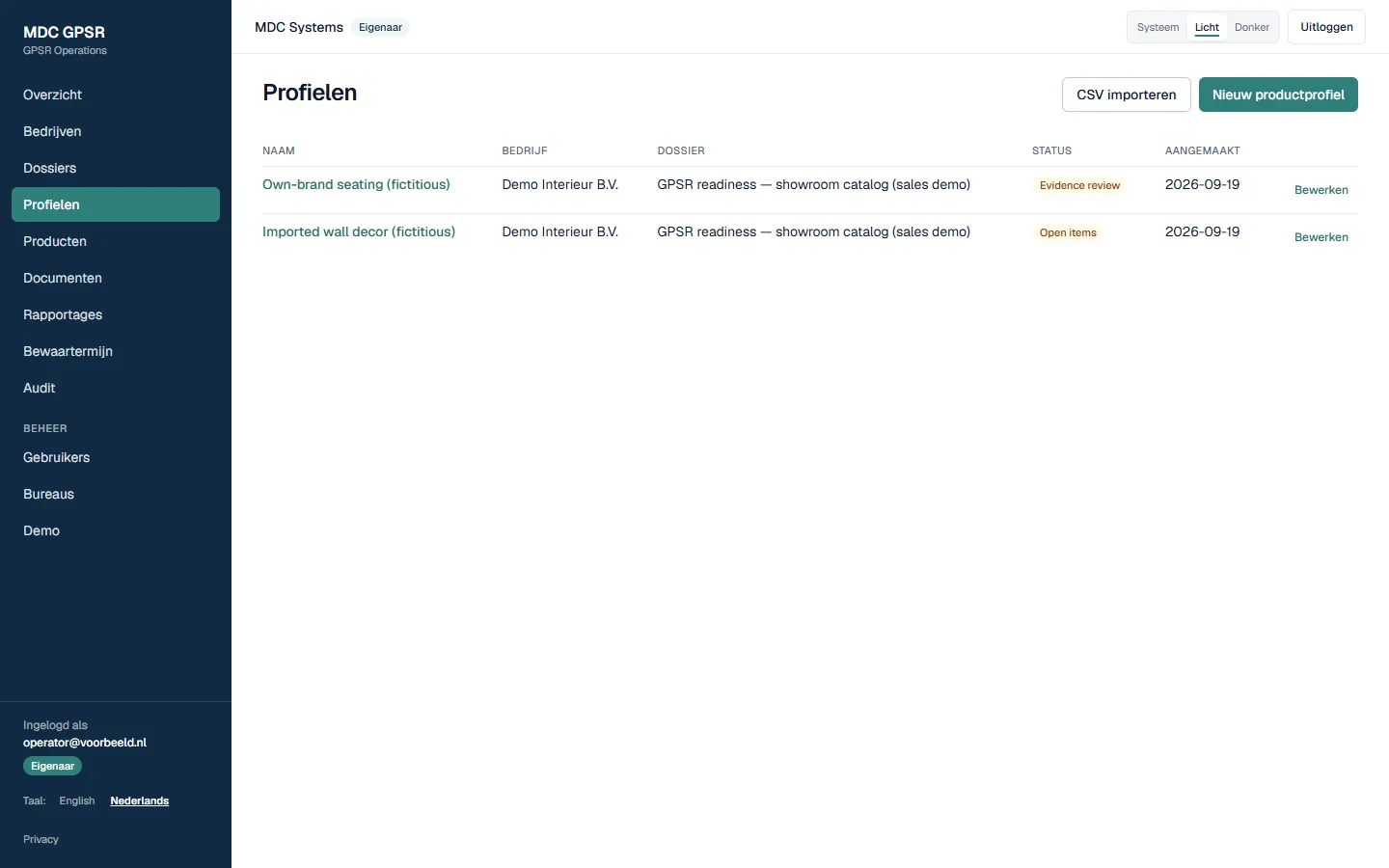
Product families per case, with status. 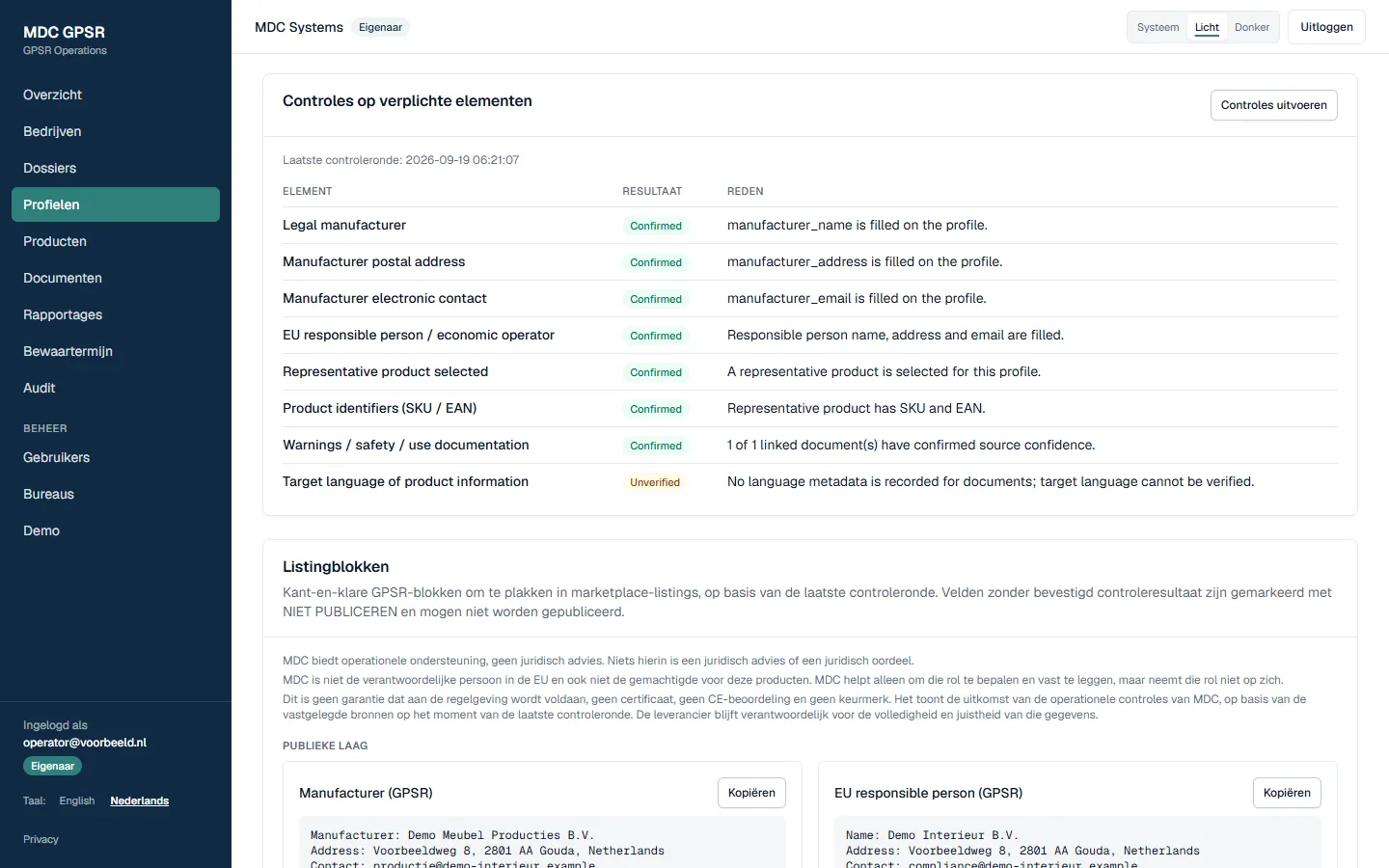
The eight checks per product family, with a reason per outcome. 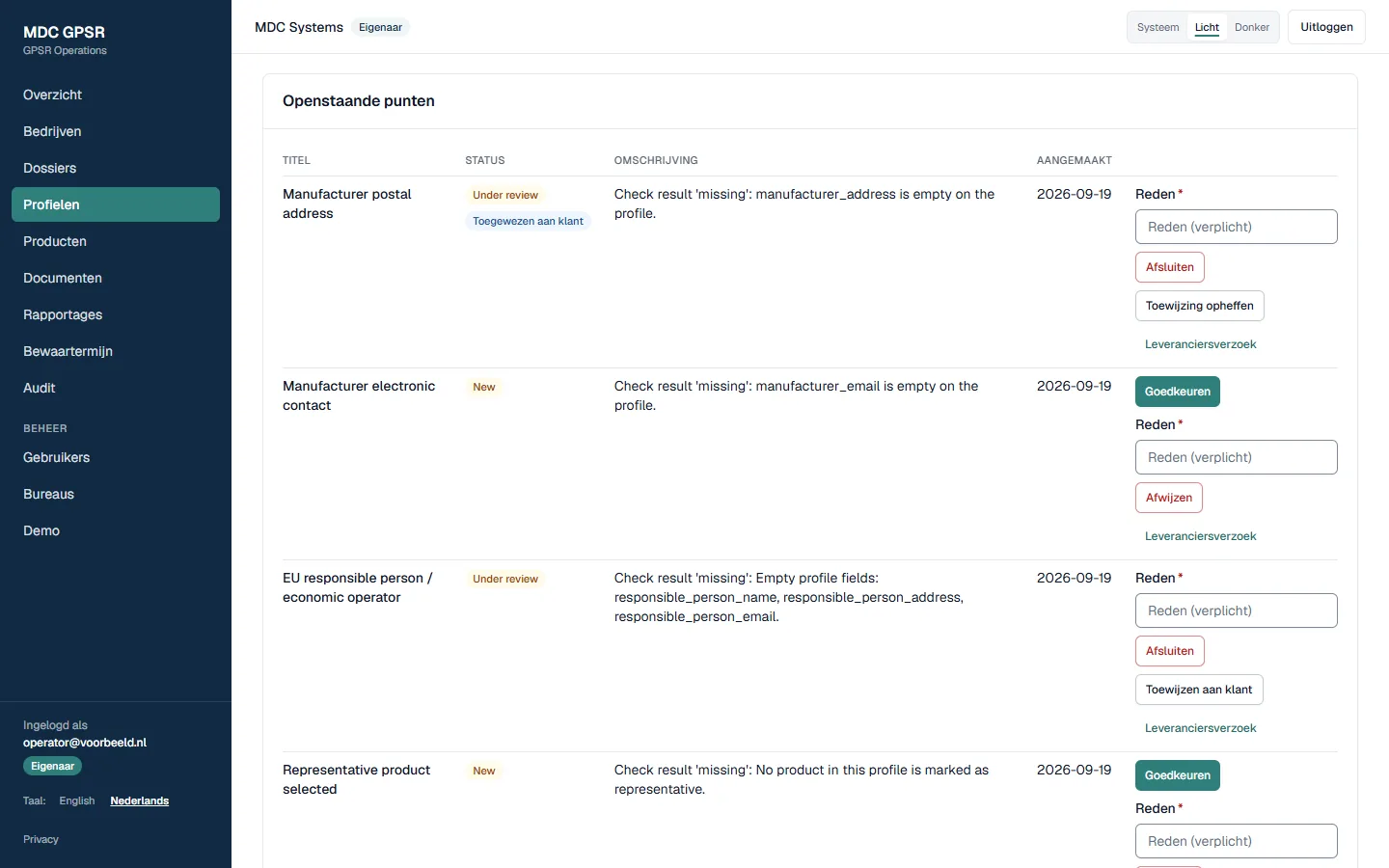
Open items: closed only with a reason, by a person. 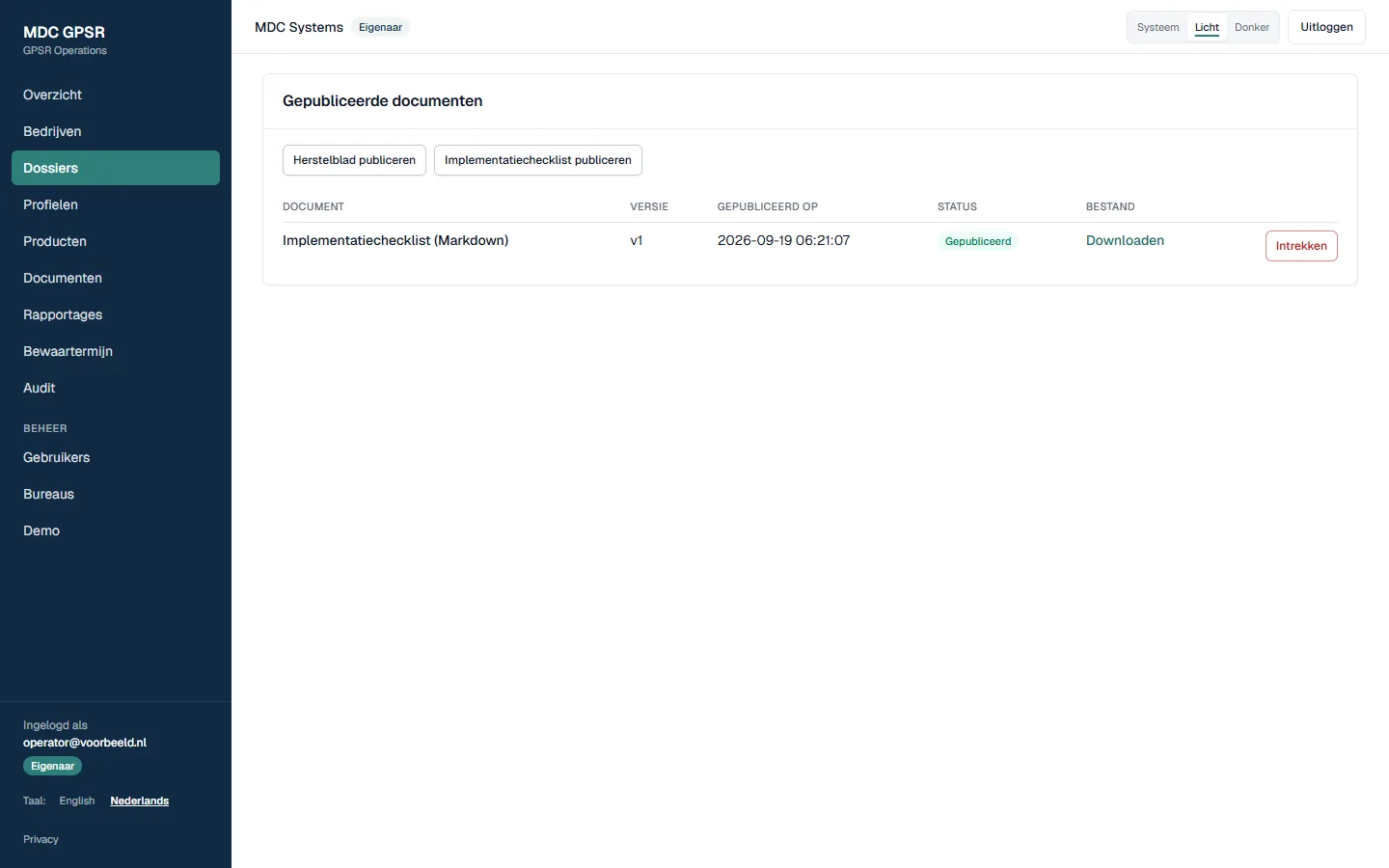
Publish and download the remediation sheet and implementation checklist.
Reporting
Readiness report as PDF
After the GPSR Readiness Check, the report is available as a PDF in your environment: the overview per product family, what is ready and what is missing, the open items and a binding price with a phased plan for the follow-up.
Progress report per customer
You have your own progress report. It shows where your project stands.
Demo environment with shareable link
A demo environment shows how the environment works. The link can be shared and is valid for seven days.
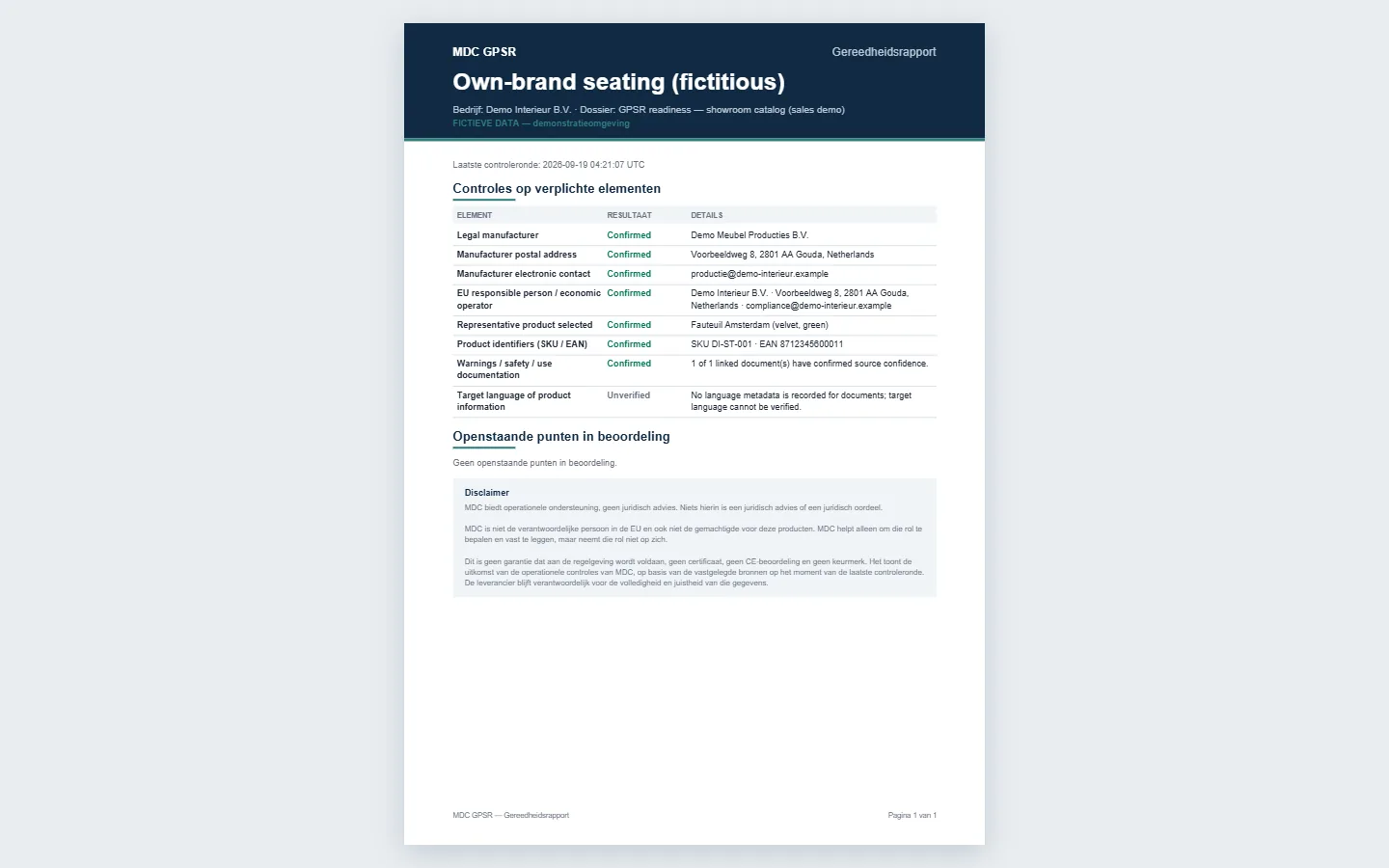
Readiness report as PDF, generated from the latest check run.
For agencies
Multiple web shops under one account
An agency works from one account for all connected web shops and sees only the web shops linked to that account.
Customer portal per web shop
Each web shop has its own customer portal with its own products, documents and open items. The web shop sees only its own portal.
Operations
Request the Readiness Check yourself
You request the GPSR Readiness Check yourself and pay online. After that you continue in your own MDC environment.
Operations Care subscription
With the Operations Care subscription, MDC Systems checks your product pages every month against the GPSR check points. You see the open items in one overview and are alerted when something changes.
Automatic clean-up according to retention periods
Data whose retention period has expired is cleaned up according to those periods.
Interface in Dutch and English
The interface is available in Dutch and English, also for a colleague or agency that works in English.
Installable as an app on your phone
The environment can be installed as an app on your phone (PWA). Open items and reports are then also available on your phone.
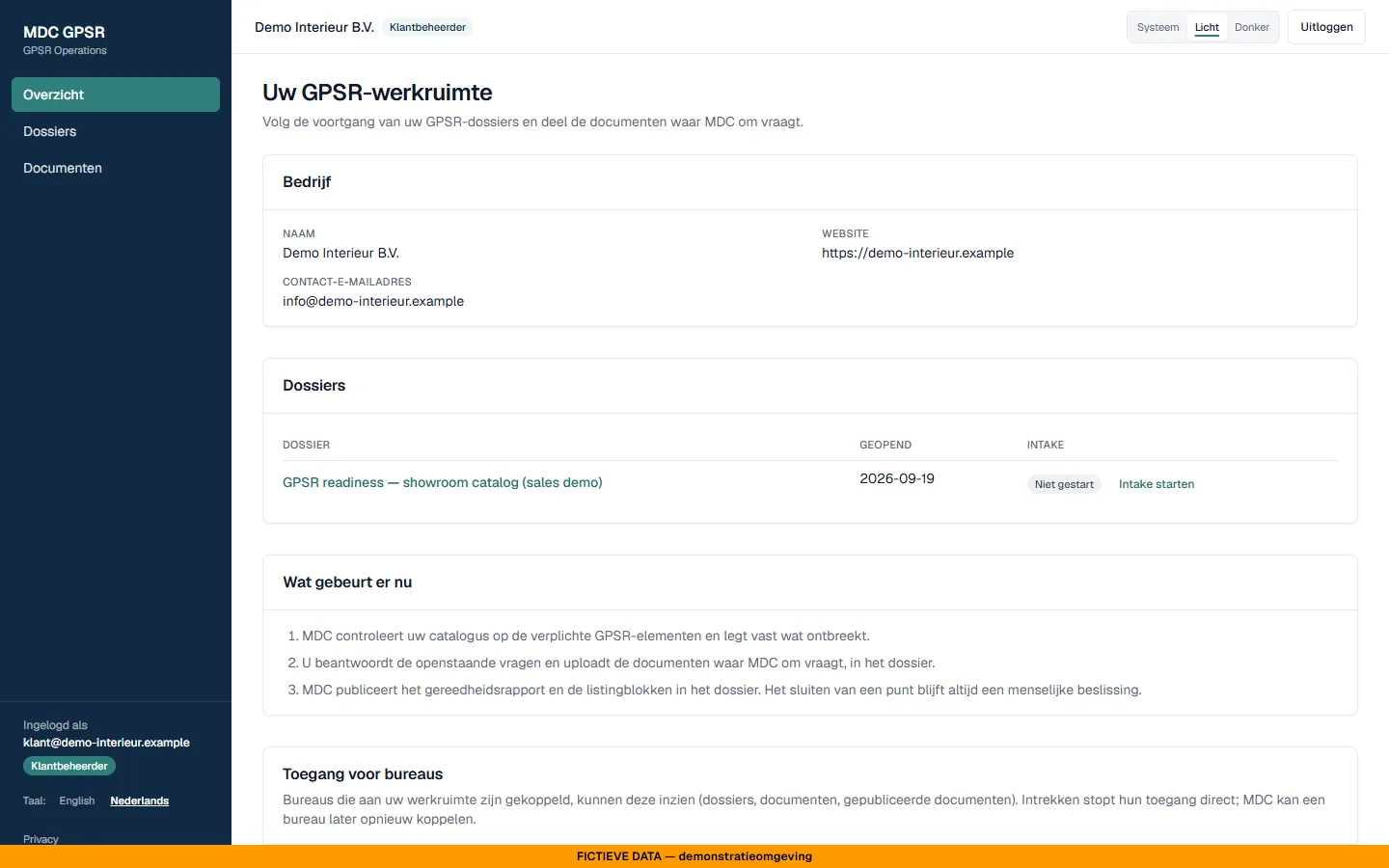
Customer portal in Dutch: case, intake, per-device notifications and agency access.
All prices excl. VAT: GPSR Readiness Check €249, Fix Sprint from €990, Operations Care €199 per month. The details are on the pricing page. View the pricing
Start with the GPSR Readiness Check. From that moment on you work in your own MDC environment.
Request the Readiness Check€249 excl. VAT, credited within 30 days against a follow-up.